
You set the plan. They do it at home. You see how it's going.
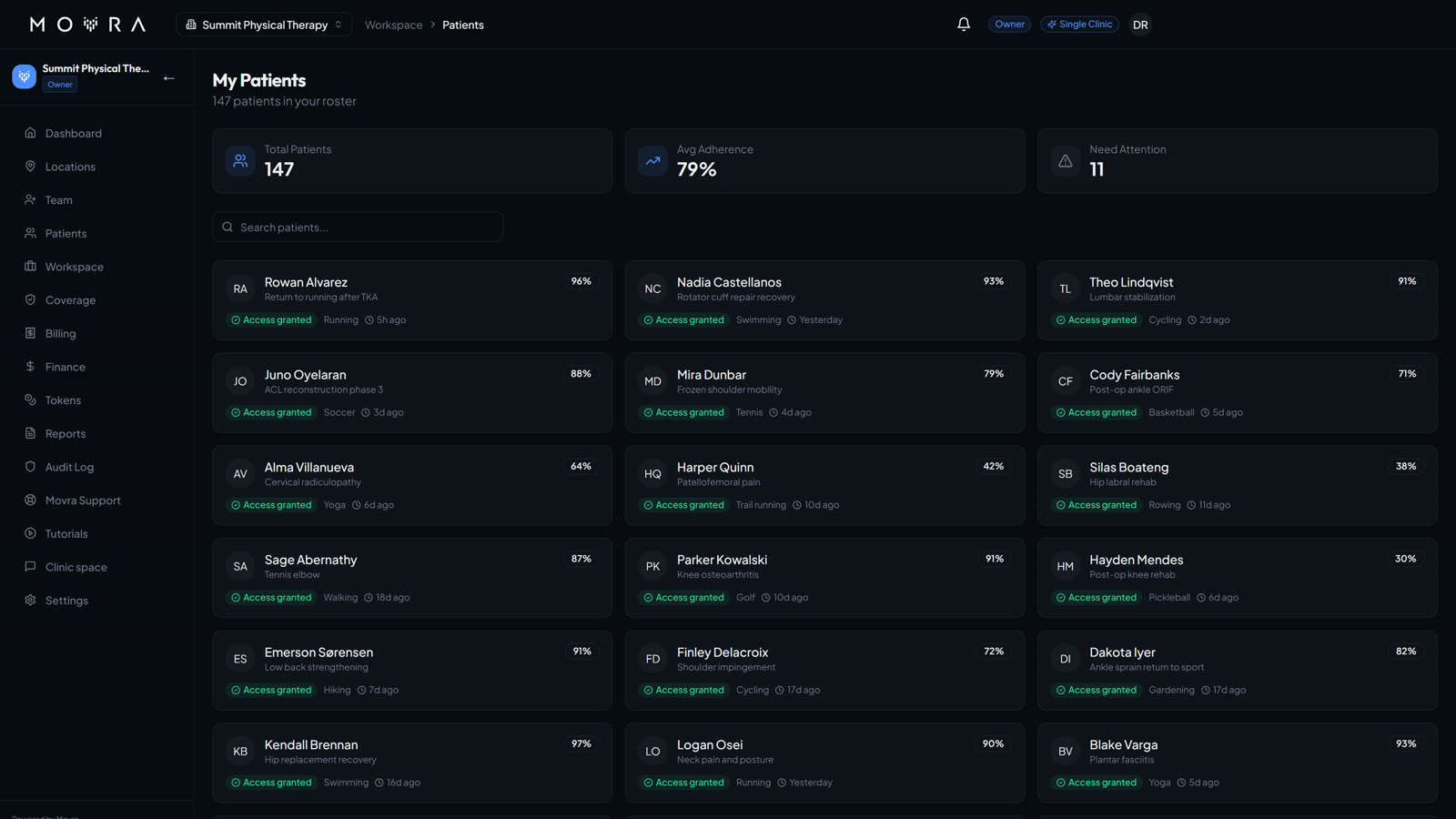
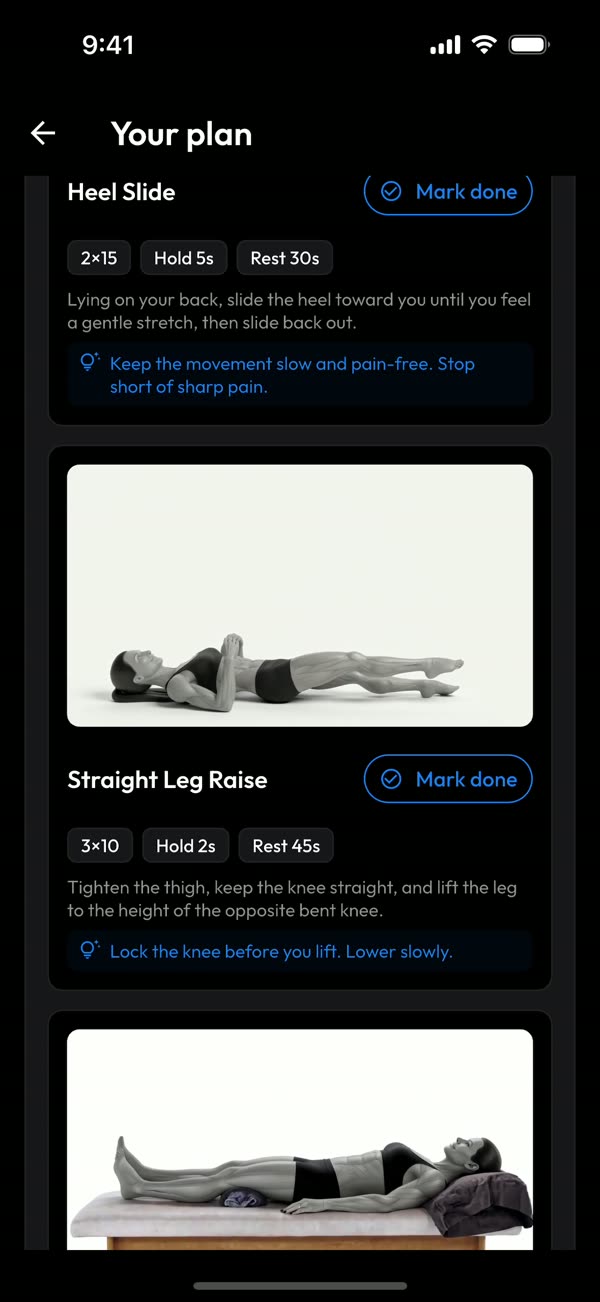
Movra is two pieces: the Movra app on your patient's phone, and your dashboard at dashboard.movra.app.
- Your patient downloads the Movra app. They scan Movita's QR code at checkout, or get an email invite.
- You give them their program. Pick it in the dashboard and it shows up in their app.
- They follow it at home. Each exercise has a video, and they check it off when it's done.
- You see who's keeping up. The dashboard shows each patient's adherence, when they were last active, and who's falling behind.
One flat plan, plus $5 per patient
You pay for the dashboard once a month, and $5 a month for each patient using the app. Patients pay nothing.
How tokens work
- 1 token = 1 patient for 1 month = $5.
- When you invite a patient, one token covers them.
- Buy more from the Tokens page whenever you need them.
It keeps itself running
Auto top-up is on. When your tokens run low, it buys more on the card you saved, so no patient loses access in the middle of their program. You can turn it off on the Tokens page.
Patients stop paying. Movita covers them.
- Patients no longer pay a $10 monthly app subscription.
- Movita covers each patient with tokens instead, at $5 a month.
Nothing for you to click
We move your current plan over to Solo for you, on the card you already have on file. Your old plan ends at the same time, so you're never billed for both. Your first month of Solo is free; after that it's $149 a month.
Five steps, in order
Do steps 1 and 2 once. Steps 3 to 5 are your day to day.
Log in and turn on two-step login
- Go to dashboard.movra.app and log in with the email Movra invited.
- A box will say Two-factor authentication is required. Click Enable MFA now. It opens Settings, Security. Click Enable MFA there.
- Put an authenticator app on your phone, like Google Authenticator, Authy or 1Password.
- In the app, add an account and scan the QR code on the screen.
- Type the 6-digit code from the app and click Verify & Enable.
- Save your backup codes, tick I have saved these codes in a secure location, then click Done.
Upload your patient list
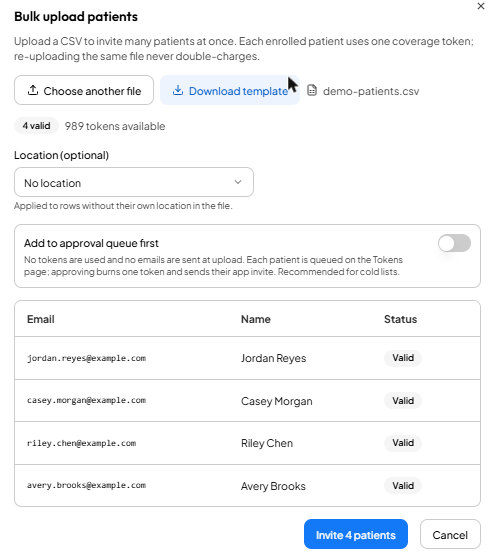
- Click Patients on the left, then Bulk upload.
- Click Download template. It's a spreadsheet with three columns: email, fullName and locationId.
- Fill in each patient's email and full name. Leave locationId blank.
- Save it as a CSV, then click Choose CSV file and pick it.
- Check the list. Each row should say Valid.
- Click Invite (it shows how many, like Invite 42 patients). Each patient gets an email to join.
Invite one patient
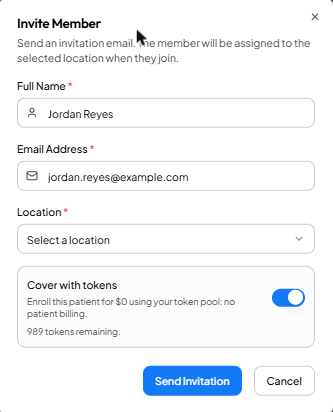
- Click Patients, then Invite Member.
- Type their full name and email, and pick the location.
- Turn on Cover with tokens.
- Click Send Invitation.
Check progress
- Click Patients. The Adherence column shows how much of their program each patient is doing, and Last Active shows when they last opened it.
- The At Risk count at the top shows who's falling behind.
- Click View on a patient, then the Messages tab, to send them a note.

Sign patients up at checkout
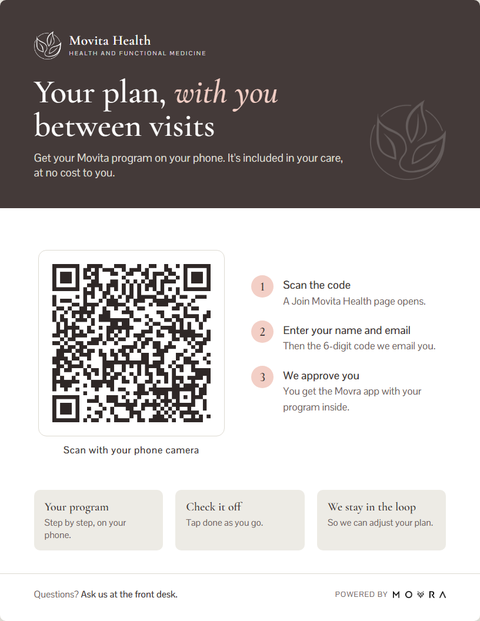
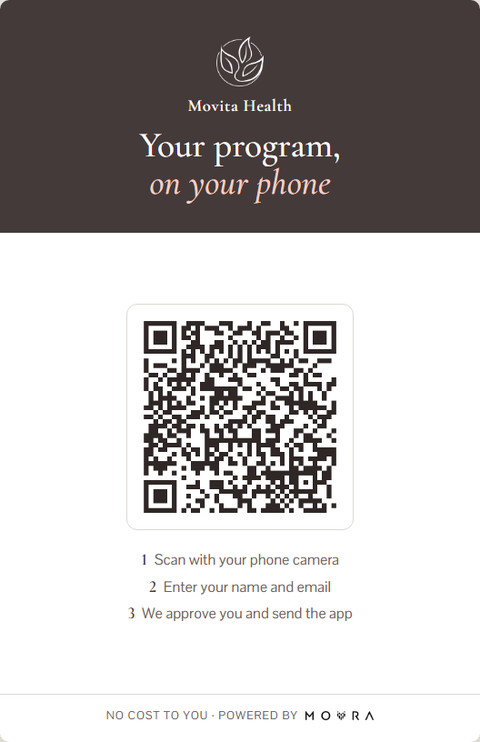
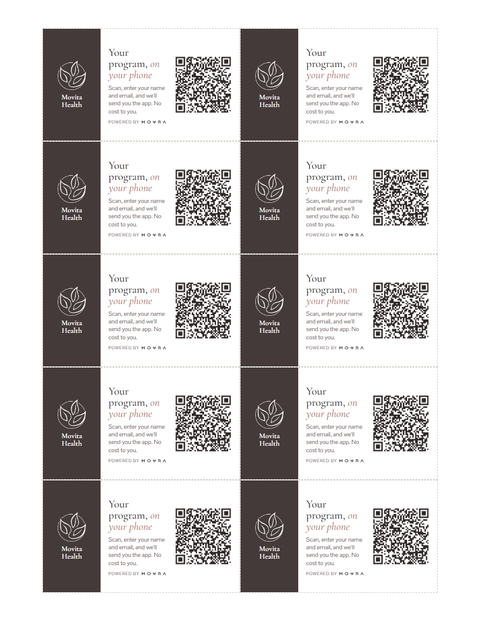
Keep Movita's QR code at the front desk. At checkout, the patient scans it with their phone camera and signs up right there.
- They scan the code. A Join Movita Health page opens on their phone.
- They type their name and email, then the 6-digit code we email them.
- They show up on your Tokens page under Pending approvals. Nothing is charged yet.
- Click Approve. That uses one token and gives them the app. Approve several at once by ticking them.
Printables for the front desk
All three use Movita's sign-up QR code from step 5. Open one and click Print.
Need help?
Stuck on a step, or something looks off? Email me and I'll sort it out with you.
Austin Paulsen, Movra
austin@movra.app
Eight weeks, company against company
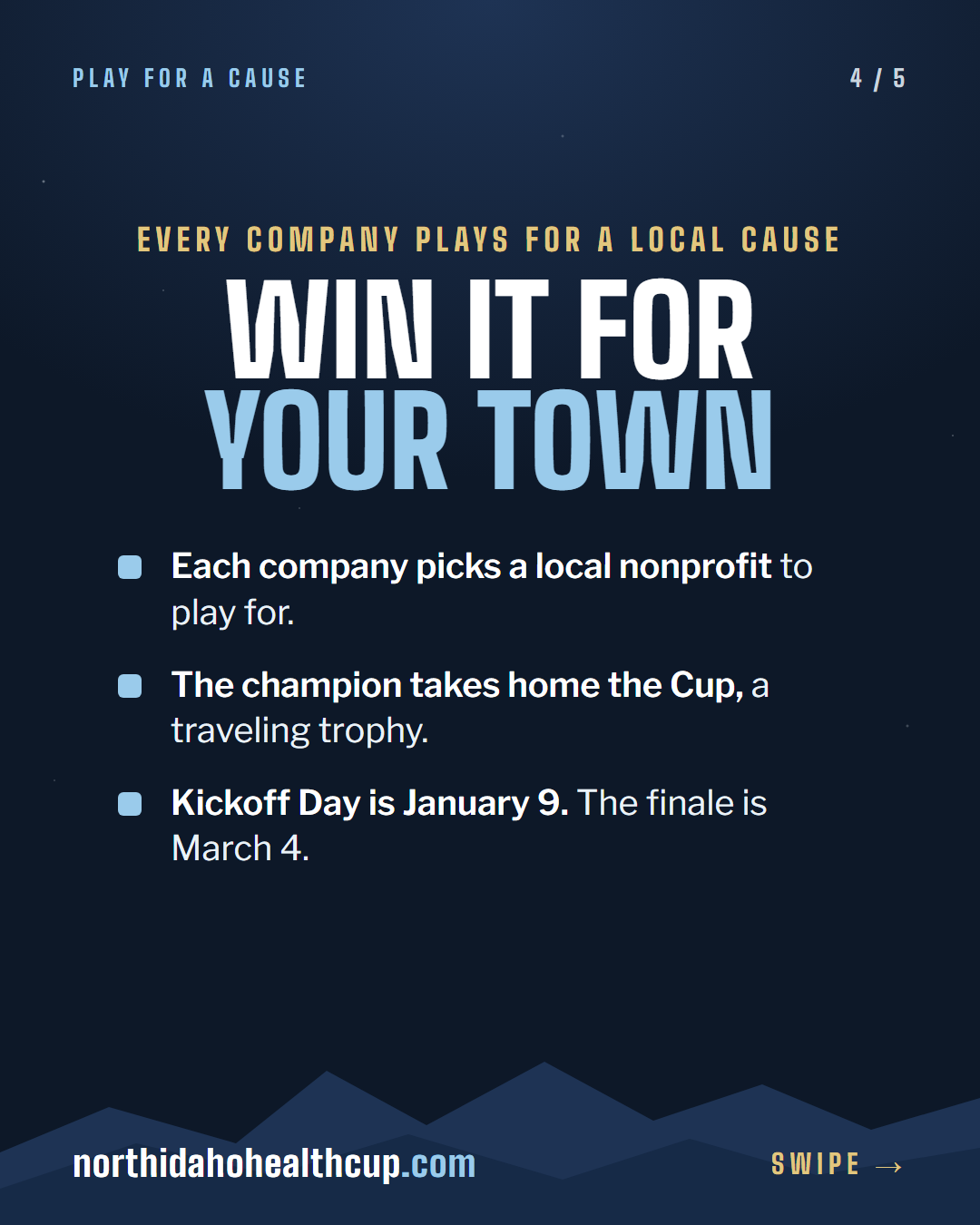
A health challenge for companies across North Idaho this winter. Each company plays for a local cause, and the Movra app keeps score.
More at northidahohealthcup.com
Be a Cup Partner clinic
It's free. Movita offers Cup players something real, like a free screen or a short talk for a company team, and shares the Cup with your patients.
What Movita gets
- Recognition as a Cup Partner, with your logo on the Cup site
- A way in with the local employers taking part
- A results report in March: how many people the Cup reached in your town
How it stays clean
- No money passes between Movra and Movita for referrals.
- No player data comes to you. People choose to use your offer.
- Your offer stays general and open to everyone.
Perks are listed on the Cup site by December 1. You can also enter a Movita team; entry is separate from the partnership.
Something to put up
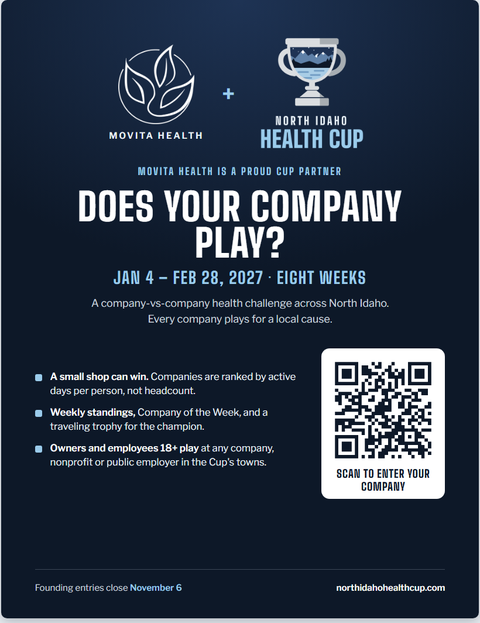
A poster for the waiting room. Patients scan it to enter their company in the Cup.
A carousel and a reel to post once you're in
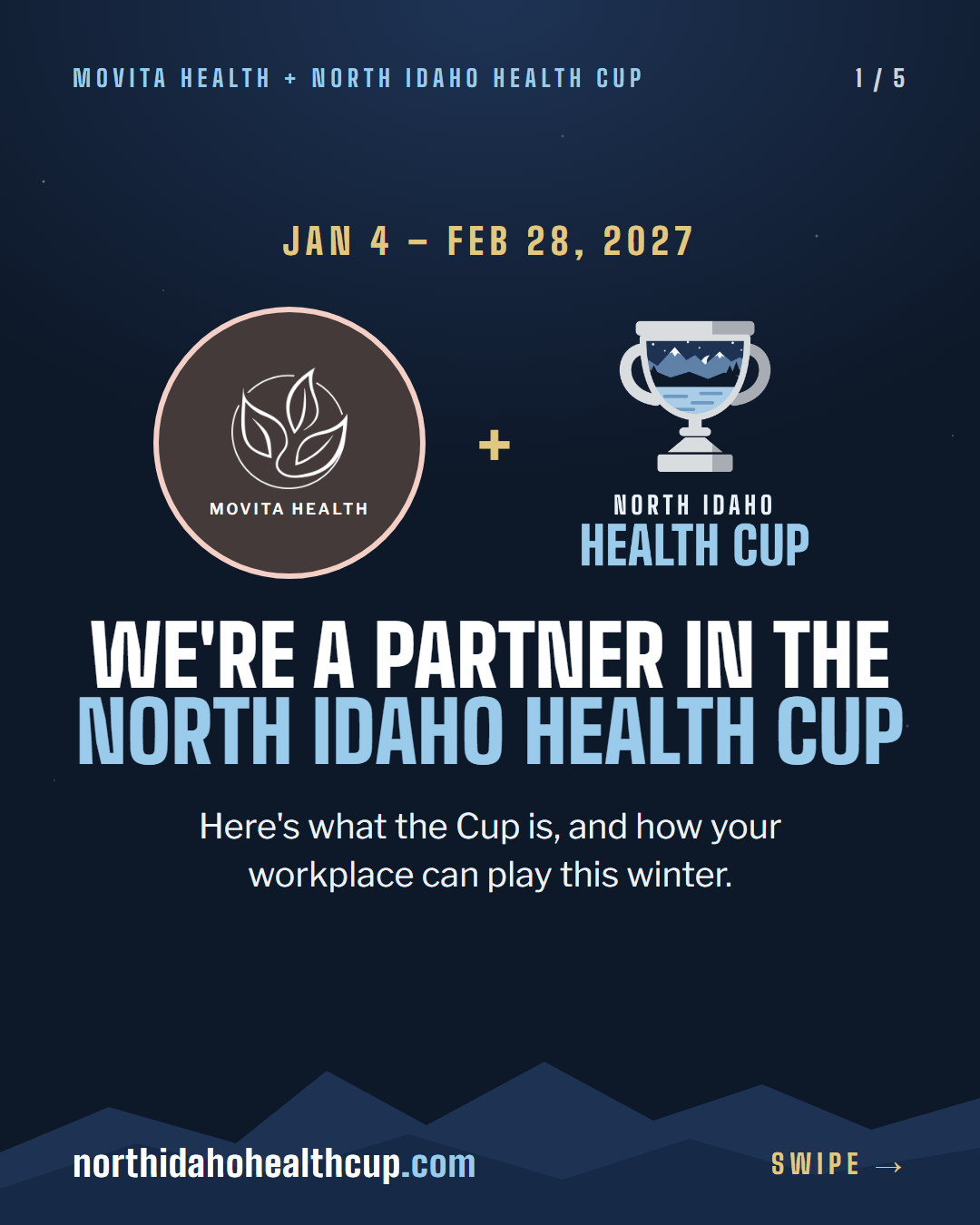
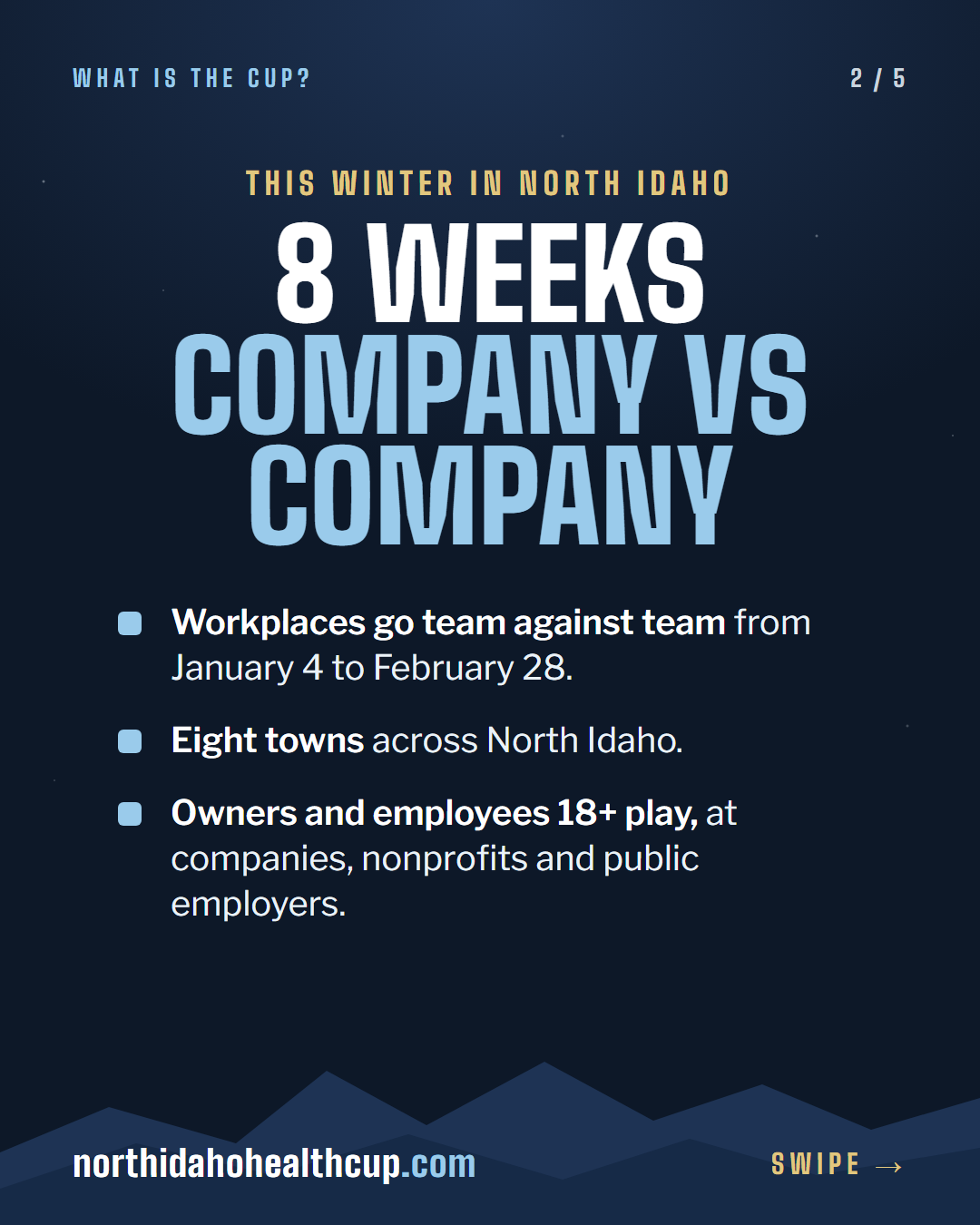
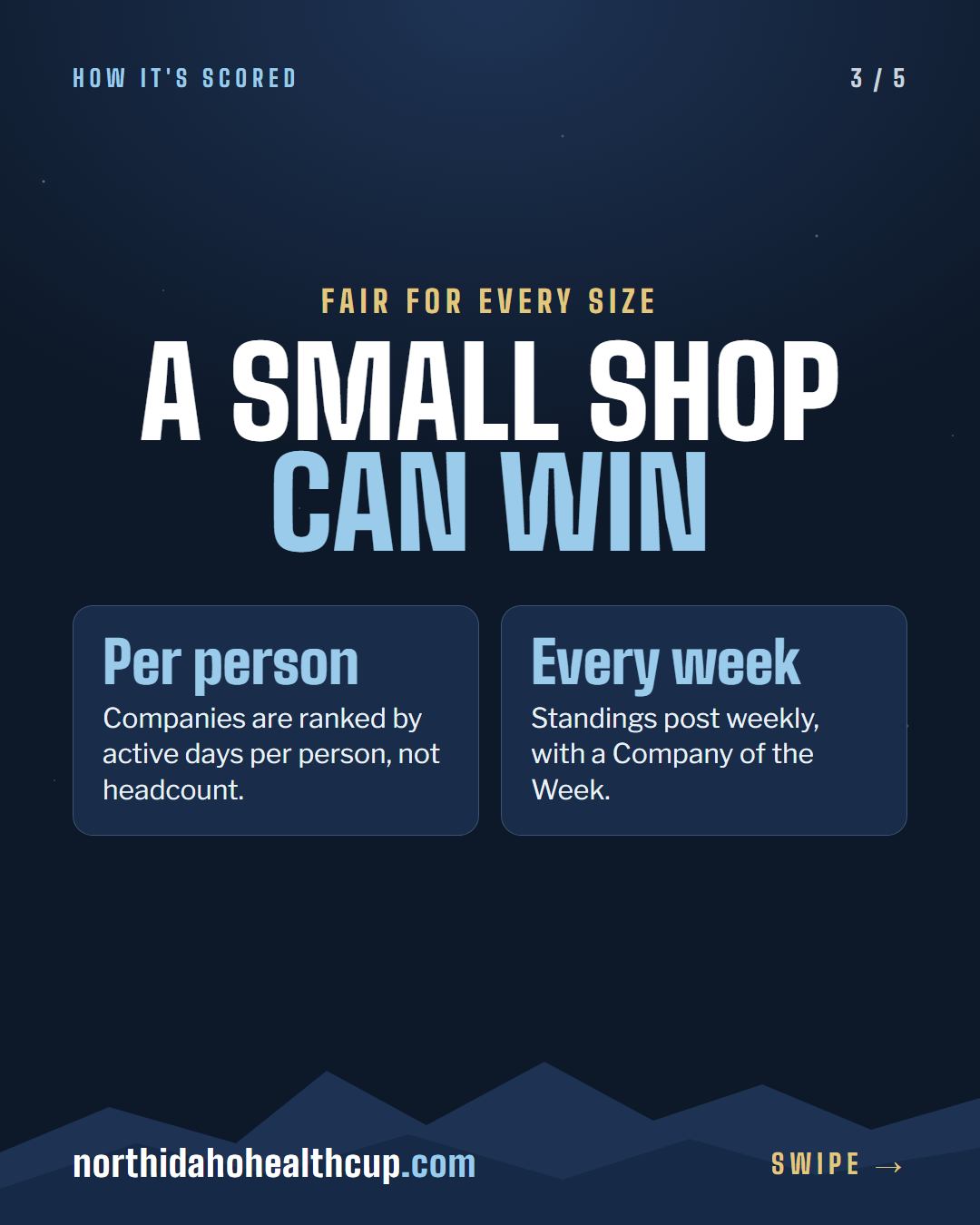
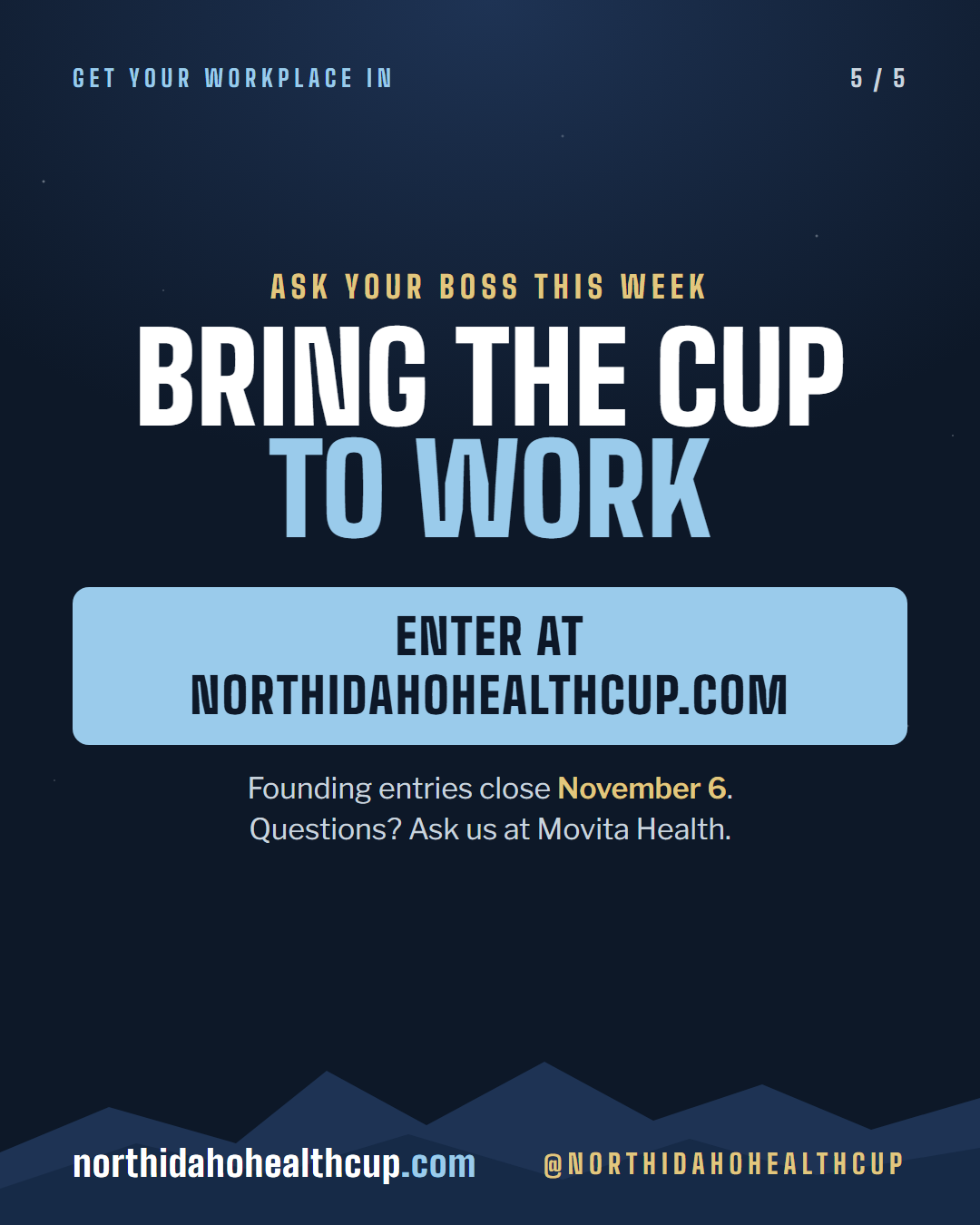
Five slides on what the Cup is, with Movita's logo. Post them in order on Instagram and Facebook. Tap a slide to see it full size.
A reel to post
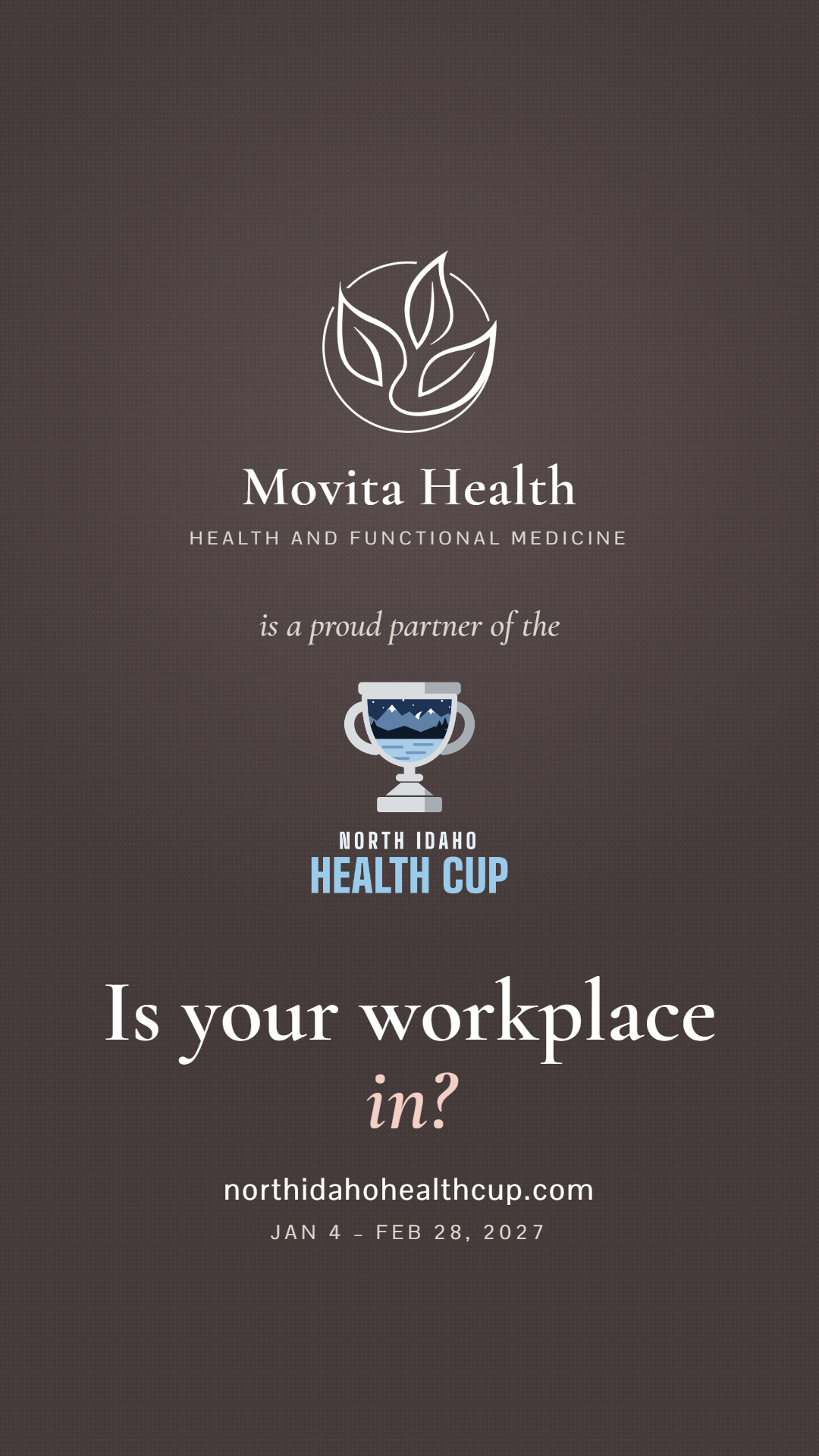
18 seconds on the Cup and Movita. One copy has music; the silent one is for adding a trending song in Instagram.
Instagram caption
We're proud to be a partner in the North Idaho Health Cup this winter!

From Jan 4 to Feb 28, workplaces across North Idaho go team against team, and every company plays for a local cause. Companies are ranked by active days per person, so a small shop can beat a big employer.

Want your workplace in? Founding entries close Nov 6. Find the link in our bio, or ask us at your next visit.

@northidahohealthcup
Facebook caption
We're proud to be a partner in the North Idaho Health Cup this winter!

From Jan 4 to Feb 28, workplaces across North Idaho go team against team, and every company plays for a local cause. Companies are ranked by active days per person, so a small shop can beat a big employer.

Want your workplace in? Founding entries close Nov 6: northidahohealthcup.com/enter